Frequently Asked Questions
- Check that Bluetooth is enabled on your phone.
- Make sure you are within 30 metres of your sensor with direct line of sight.
- Position yourself facing the sensor logo to ensure proper detection.
- Check that the batteries are properly connected and correctly inserted.
- Remove the sensor from the app and then reconnect it to restart the detection.
- If the problem persists, close the application, disable and then re-enable Bluetooth, reopen the application and try to connect the sensor again.
- Check the battery status: ensure that it is not faulty, improperly seated, or low.
- Check the mobile network coverage: make sure you are in an area with signal.
- Check that you are the only user logged into your Feelbat account.
- Confirm that the battery is properly connected and installed correctly.
- Move closer to the sensor, click on "connect to the sensor" to attempt a Bluetooth reconnection.
- Check the connection and the battery status:
- Make sure it is properly connected.
- Check that it is not empty (with a multimeter or by testing it on another sensor).
-
Check the network coverage:
- Make sure that the sensor is installed in an area covered by Sigfox.
- Have you tested the upstream radio network with a tester?
- Have you performed the network test using the installed sensor and the application?
- If you are using a repeater or a microstation box, ensure that the device is properly configured according to the FEELBAT instructions.
Can't you find an answer to your question?
Categories
Découvrir nos nouveautés
Technical Assistance Sheet
Thanks to our technical sheets, discover features
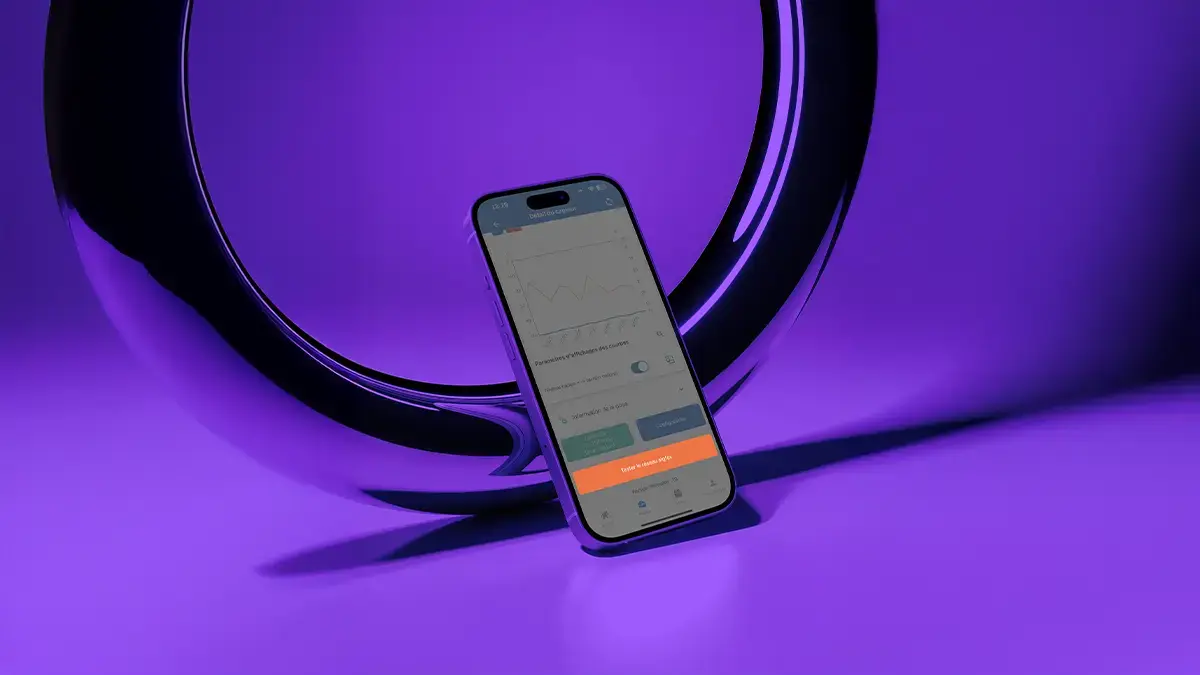
Network test
Before, during, or after installation, test Sigfox coverage to validate the connection.
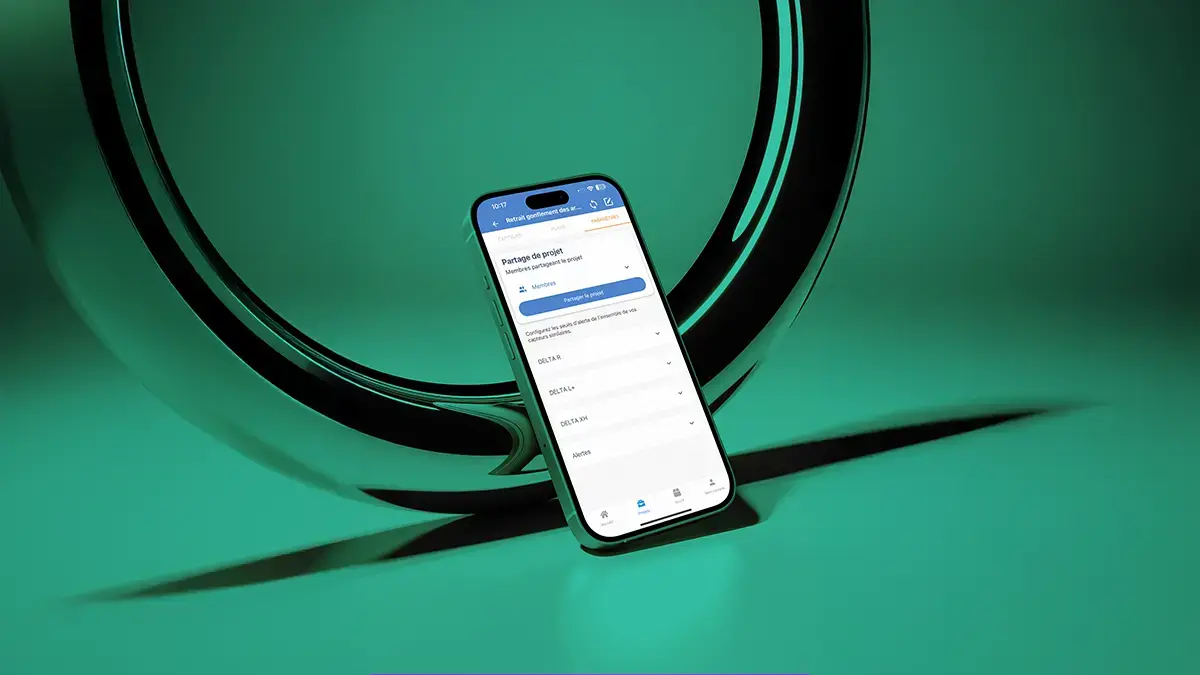
Project sharing
Share your projects in read-only mode, with restrictions, full access, or remove sharing easily.
Synchronization
Synchronize or resynchronize your data with or without activating the LinkFeel token.
Battery replacement
Battery change, Bluetooth connection and battery type directly from the mobile app.
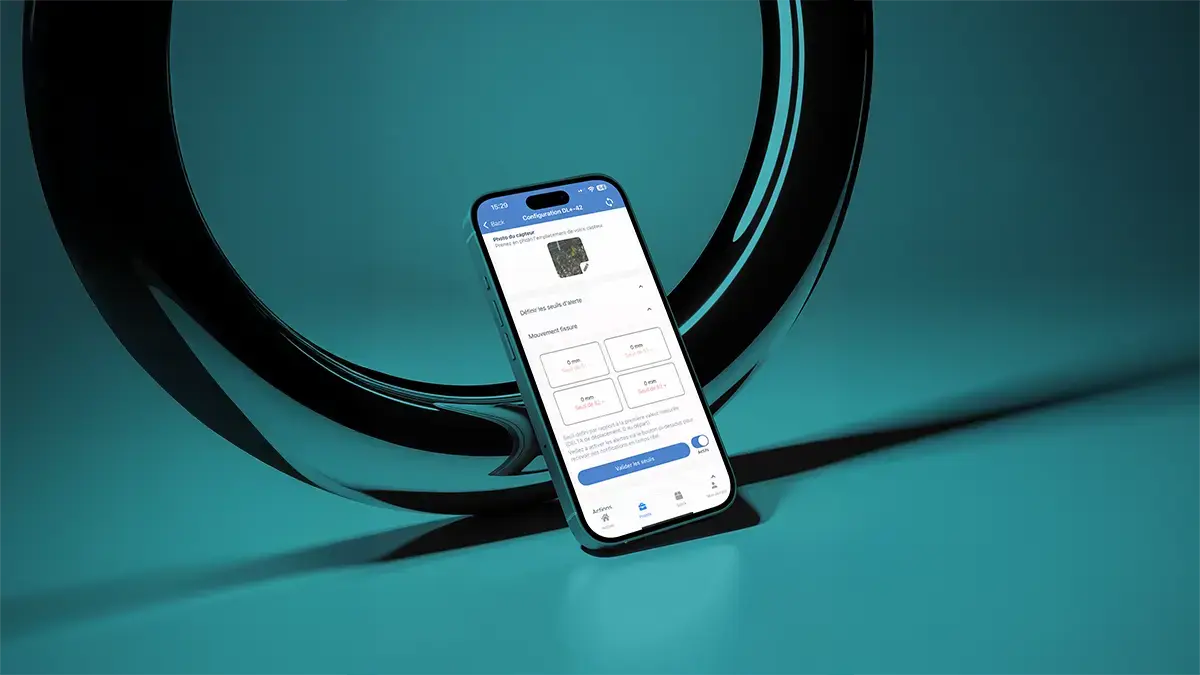
Alert thresholds
Editable or removable, they trigger notifications if properly configured.